


Spin-to-win
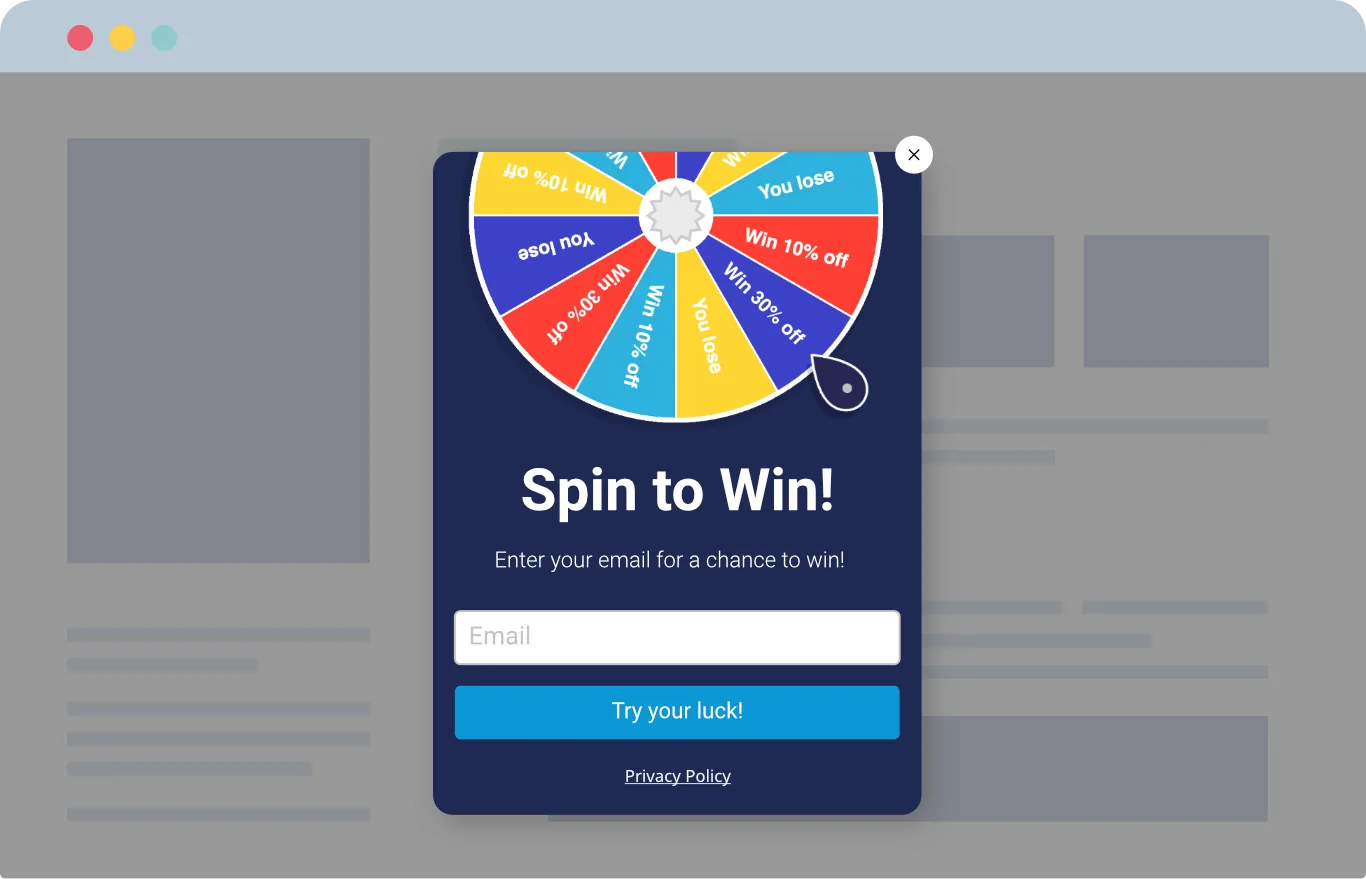
Gamified popups tend to outperform standard popups on engagement. The interaction feels playful rather than pushy, so visitors are happy to participate — accelerating newsletter sign-ups in the process.
When should you use
spin-to-win?
Great when you need to grow your newsletter list reliably, or want to add seasonal flavor to campaigns. Win probabilities are fully customizable, so you can match your target reward rate with no surprises.
Email list building
Hold attention with a playful experience and grow your subscriber list with higher response rates than standard popups.
Exit prevention
Give hesitant visitors a fun choice and a reason to stay on your site a little longer.
Sales and seasonal events
Use holiday- and seasonal-themed designs to make the brand experience feel timely and fresh.
Higher conversion rate
Coupons won on the wheel are usable on the spot, smoothing the path from interest to purchase.
Seasonal spin-to-win
Dynamic prizes that vary by visitor, paired with a visually rich popup, lift revenue during event windows.
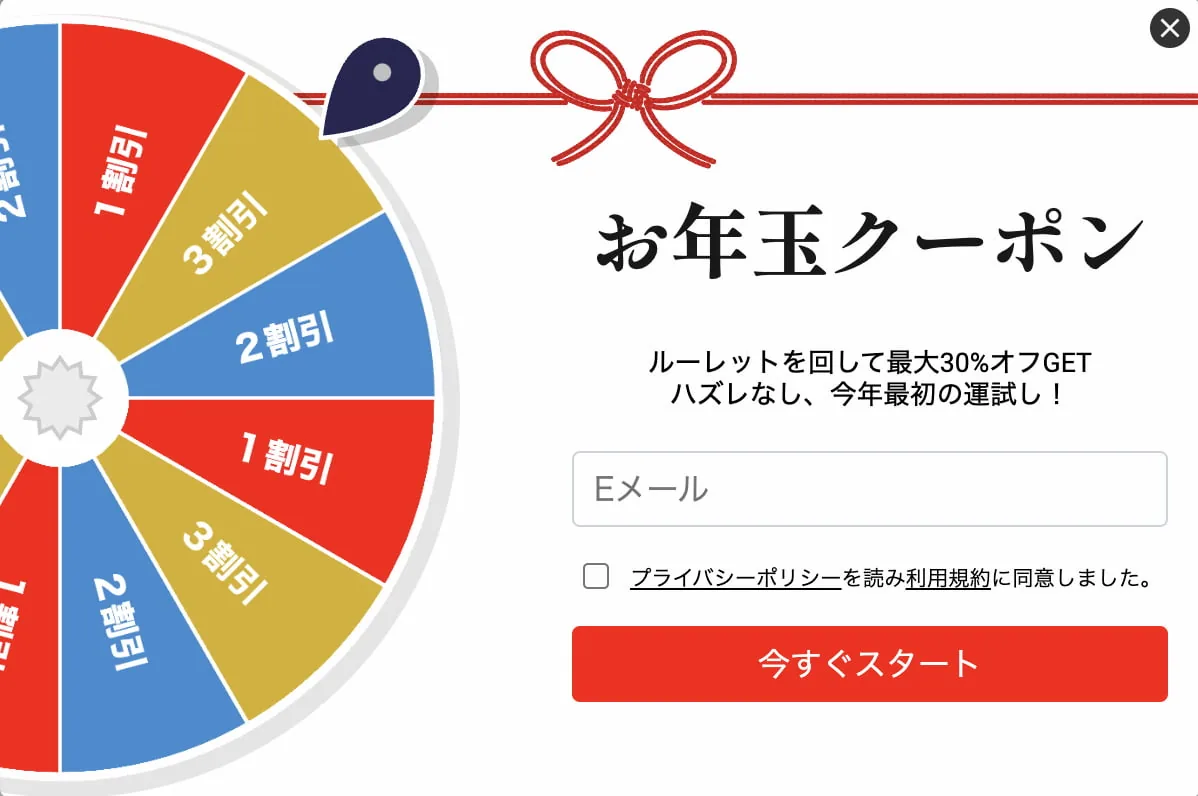
New Year, Valentine's, Halloween — templates are ready to deploy for each season, dramatically cutting preparation time.
Grow your subscriber list fast
Spin-to-win pulls visitors in the moment they land on your site.
Higher response rates than standard popups mean a steadier flow of new newsletter sign-ups and ongoing touchpoints with new prospects.
Closed it? Still spinnable.
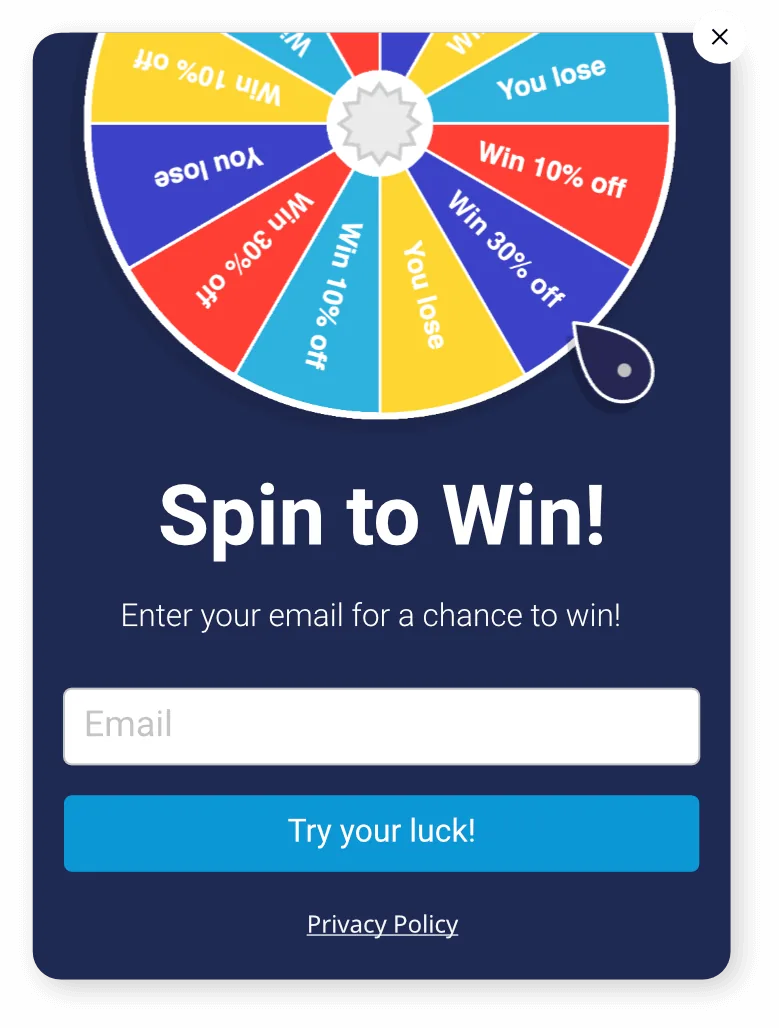
Visitors used to popups often close them reflexively without reading. Even when they think “Actually, I want to spin” or “I’ll grab that coupon after all,” there’s no way to bring it back — and that’s the biggest leak in any gamification campaign.
Teasers leave a small tab on the edge of the screen even after the wheel is closed. Visitors can reopen it on their own terms, which minimizes reflexive abandonment.
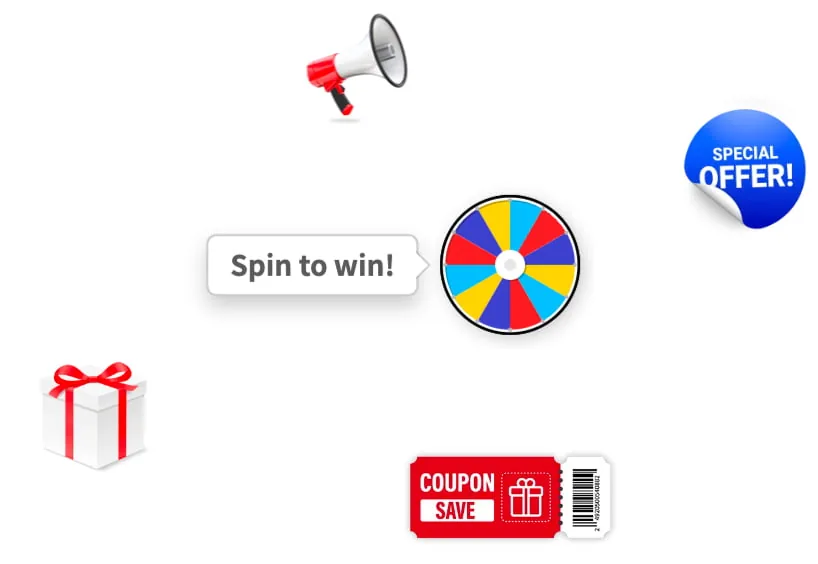
Pick a teaser shape — rectangle, circle, or image (gift box, megaphone, coupon) — and place it at different positions for desktop and mobile. Teaser impressions and clicks are tracked separately, too.
Frequently asked questions
Have another question? Reach us via the Help center.
Promolayer is a tool for designing and running on-site campaigns — popups, floating bars, spin-to-win, and more — without writing code. It covers what you need for conversion rate optimization (CRO): abandonment prevention, email list building, coupon delivery, and seasonal campaigns.
Built by a team that has worked on CRO for over a decade, Promolayer gives you the features that matter without dragging in unnecessary complexity. Detailed targeting, A/B testing, Google Analytics integration, gamification, and mobile-first design — all in one platform.
No coding skills are required. Pick a template, edit with point-and-click, set the targeting, and publish.
Most users get the hang of the builder in minutes. Marketing teams can create scenarios and iterate on them without waiting on engineering.
Promolayer is built with performance as a priority. The delivery script is lighter than a single image and uses minimal requests.
It also loads lazily — Promolayer only starts after your site has finished rendering. That keeps Core Web Vitals and SEO metrics intact, so you can run engagement campaigns without sacrificing speed.
Yes — Promolayer has a free forever plan with no credit card required. Try the core features first, and upgrade later only if you need more.
On paid plans there is no minimum commitment or cancellation fee. Upgrade, downgrade, or cancel anytime from the dashboard.
Promolayer works with Shopify, Wix, WordPress, and other major site builders and CMS platforms. Shopify and Wix install in one click from the app store; for other sites you paste the embed tag generated in the dashboard.
Google Tag Manager is also supported, so you can install without engineering help. On a custom site without a CMS, adding the tag code to your template is all it takes.
The direct sign-up version has no limit on the number of domains you can use. Agencies and production studios running multiple client sites are welcome. To keep client data separated, you can use Workspaces to split popups, reports, and tags per site.
The Shopify and Wix app versions are limited to one domain per install due to each platform's specifications. For multi-domain workflows, use the direct version.
Promolayer is designed with privacy regulations in mind. Consent checkboxes, privacy policy links, and other compliance features for contact collection are built in.
All traffic between the dashboard and delivery servers is encrypted over HTTPS, and collected contact data is stored on access-controlled servers.
The help center has guides for setup, troubleshooting, and integrations. You can also reach the Promolayer team directly via live chat from the dashboard.
Paid plans have no minimum contract length or cancellation fee. Start on the free plan, validate the impact, and upgrade when it makes sense. Plan changes are prorated automatically, so trying things out is low-friction.
Launch your first popup in under 10 minutes — no code.
Over 100 templates and a no-code builder get you live fast. Free forever plan, no credit card required.