


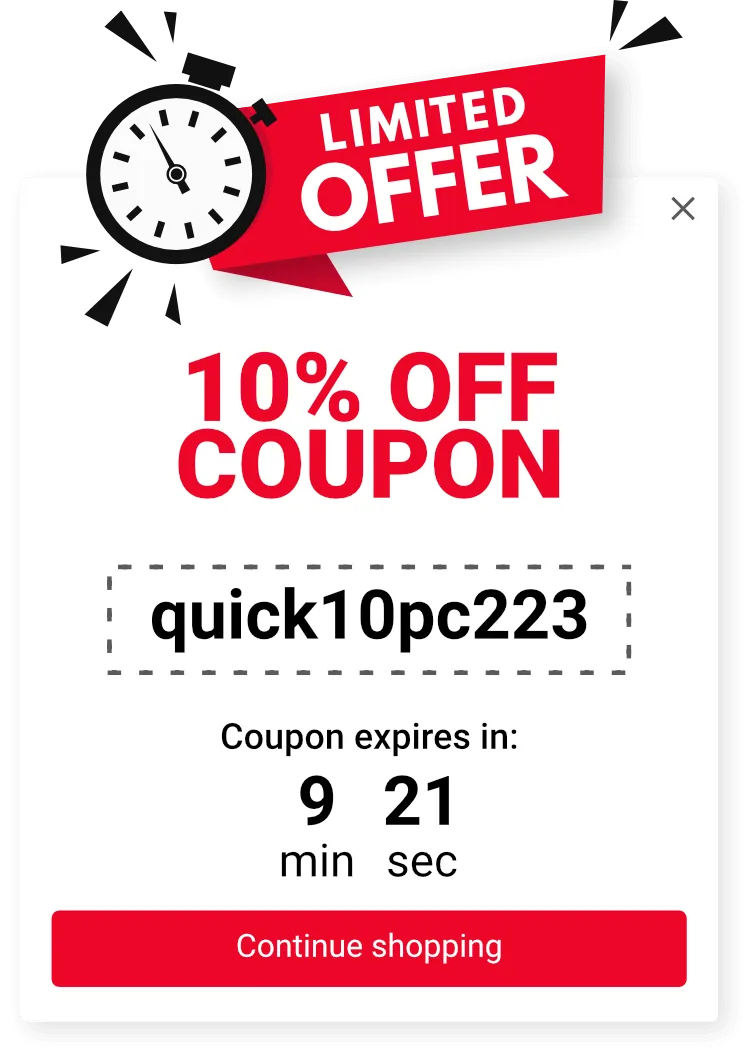
Coupon offers
When a visitor is about to leave, present a coupon code to nudge them to convert. With Shopify, Wix, or Ecwid, you can also auto-generate personal coupon codes per visitor.
Detect visitors about to leave their cart and present a coupon, free shipping offer, or other incentive on the spot.
Combine desktop exit-intent detection with mobile back-button, scroll, and inactivity triggers.
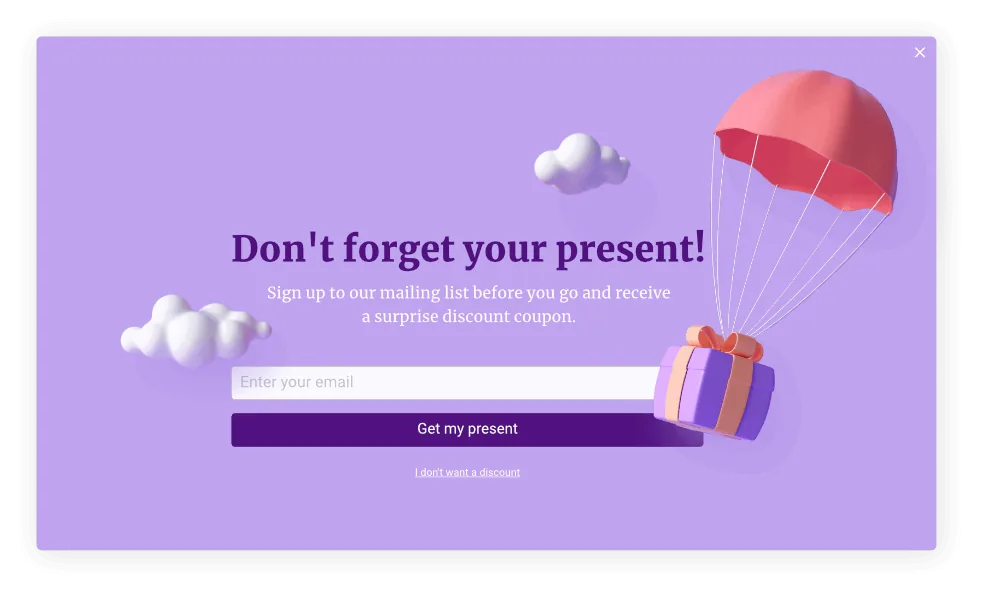
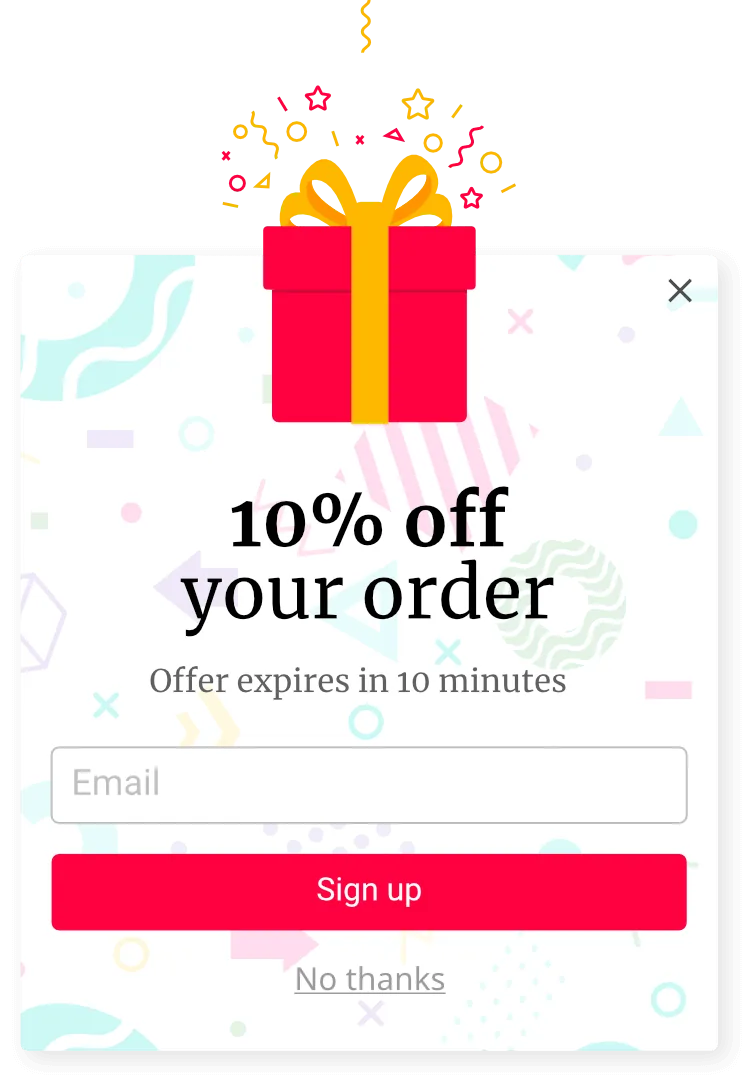
Visitors who reach the cart and then leave haven't lost interest — they need one final nudge.
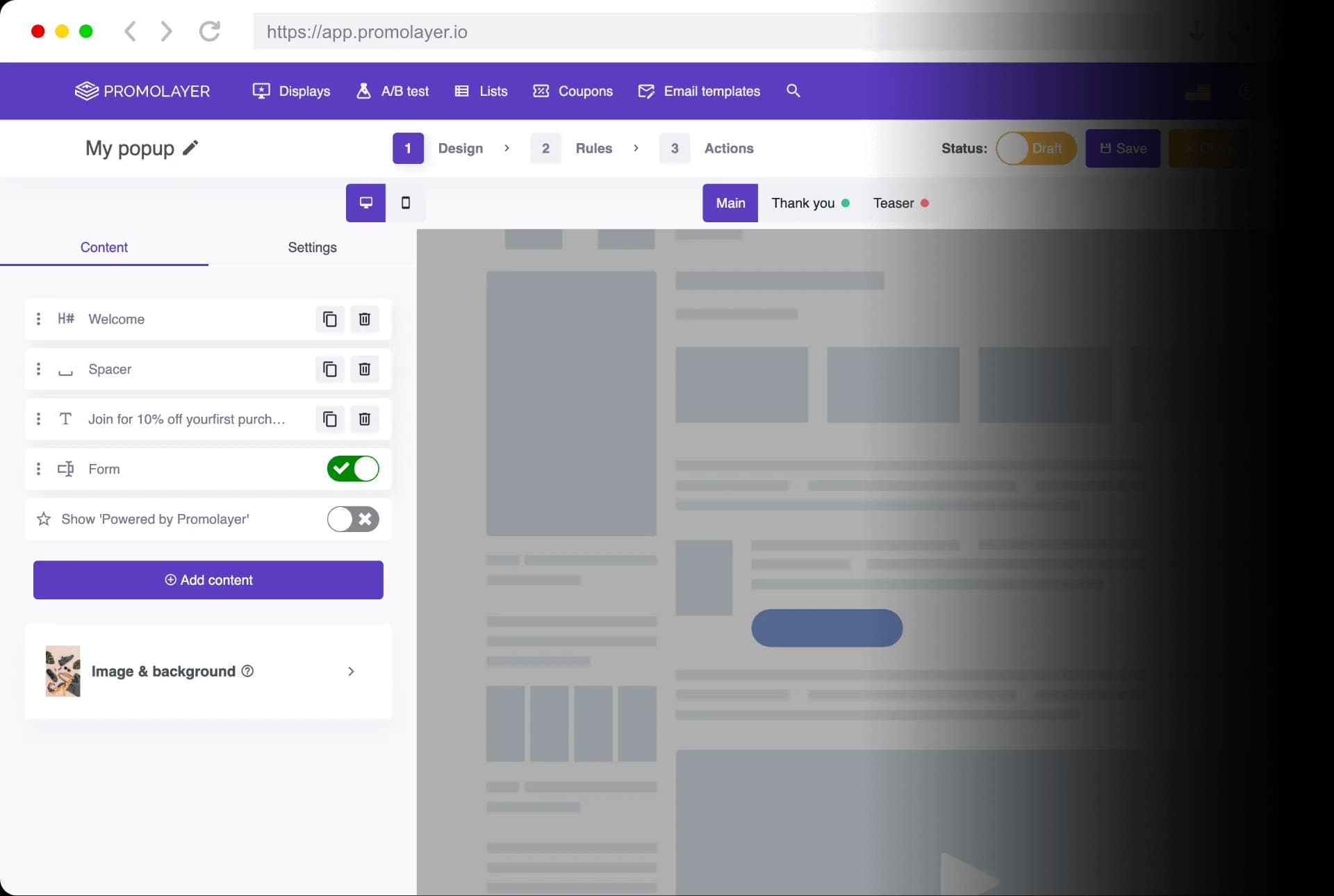
With Promolayer you can design what to show, when to show it, and on which device, all in one place.

Many shoppers just need one small nudge to commit. Show a product detail, support note, or auto-generated coupon to push them over the line.

Winning back a visitor who's already left is hard. Trigger a coupon with a countdown in the moment of exit, and turn hesitation into action.

Most web traffic today comes from mobile devices. Promolayer detects the smartphone back button and swipe gestures to prevent mobile abandonment effectively.

Static popups get closed reflexively. Add animations and gamification to draw attention and lift engagement.
From design and exit-intent timing to mobile responsiveness, conversion lift, and improvement cycles —
everything you need for abandonment prevention, without code.
Find a popup design that matches your brand from a rich template library.
With built-in image search and editing, even beginners can produce high-quality popups on their own.
Learn more about the popup builder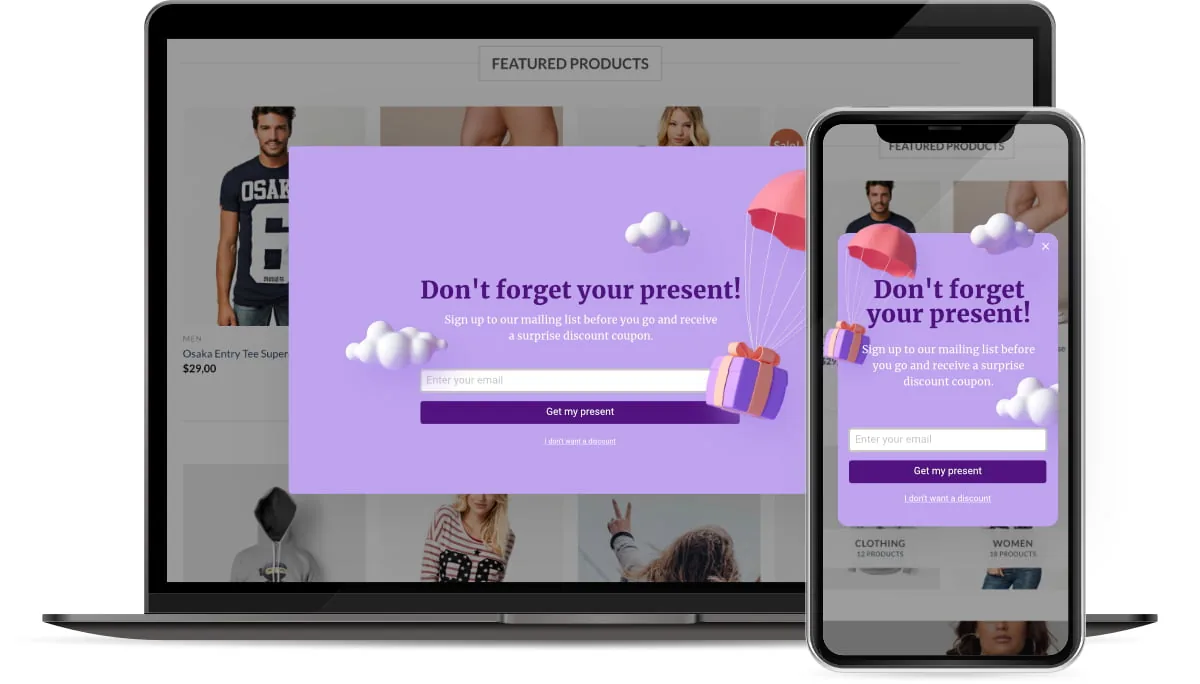
Promolayer lets you create separate layouts for mobile and desktop, swapping images and elements per device.
A lightweight script keeps your pages fast and unlocks mobile-specific triggers such as back-button, scroll depth, and time-on-page.
Coupons, countdowns, and animations — three mechanisms that push hesitant visitors all the way to purchase or sign-up.
When a visitor is about to leave, present a coupon code to nudge them to convert. With Shopify, Wix, or Ecwid, you can also auto-generate personal coupon codes per visitor.
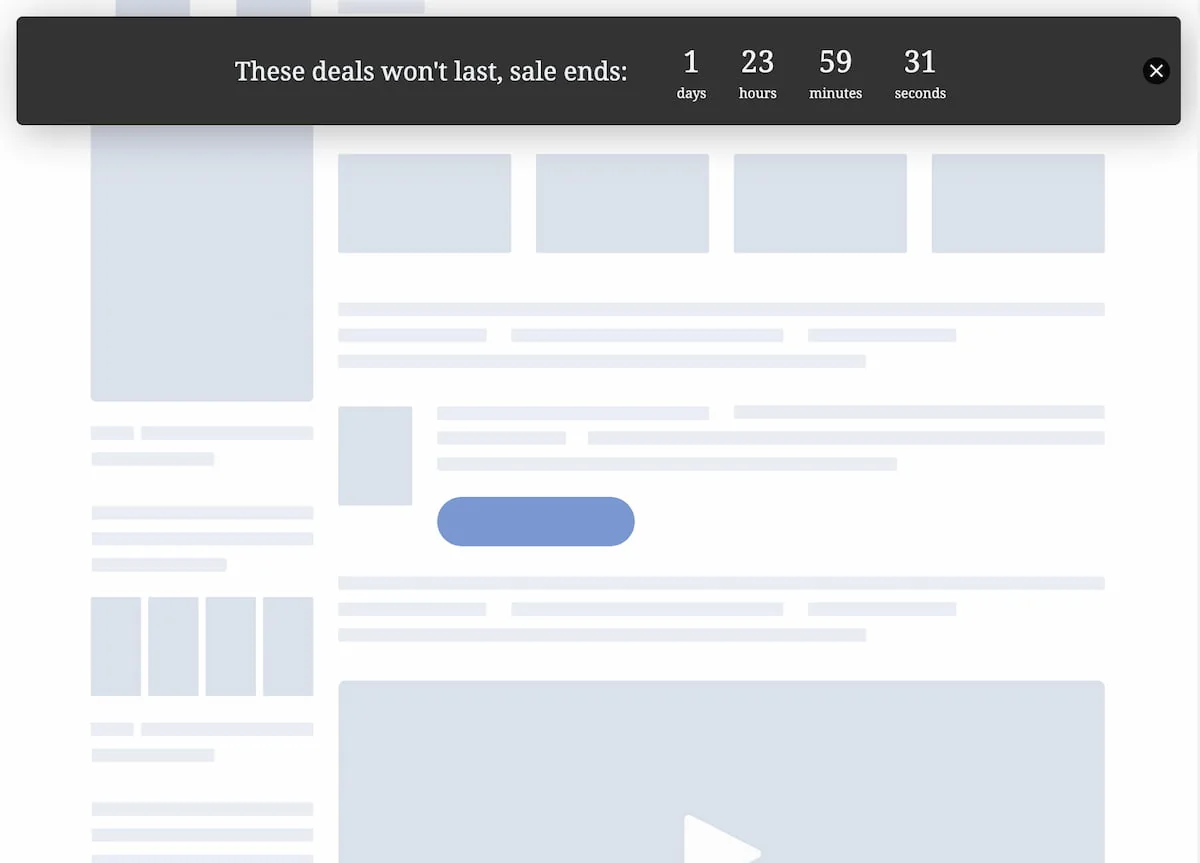
Add a countdown to any popup. Visualizing the end time gives shoppers a reason to buy now, before they move on to a competitor.

Stamps, shakes, pulses — animations capture attention. Sale messaging that would otherwise be ignored gets noticed and converts.
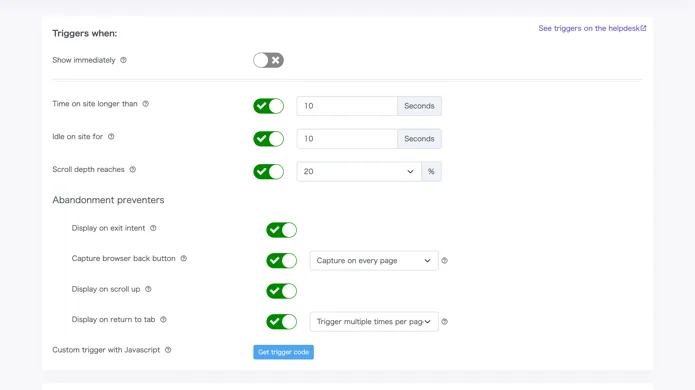
The most important question for exit popups is "when to show."
Timing determines both effectiveness and how pushy the popup feels.
Promolayer detects mouse exit motions, browser back, scroll depth, time on page, and inactivity per device, with fine-grained frequency control.
Deliver the message only at the real moment of exit, only to the right people.
Improvement and growth that never ends
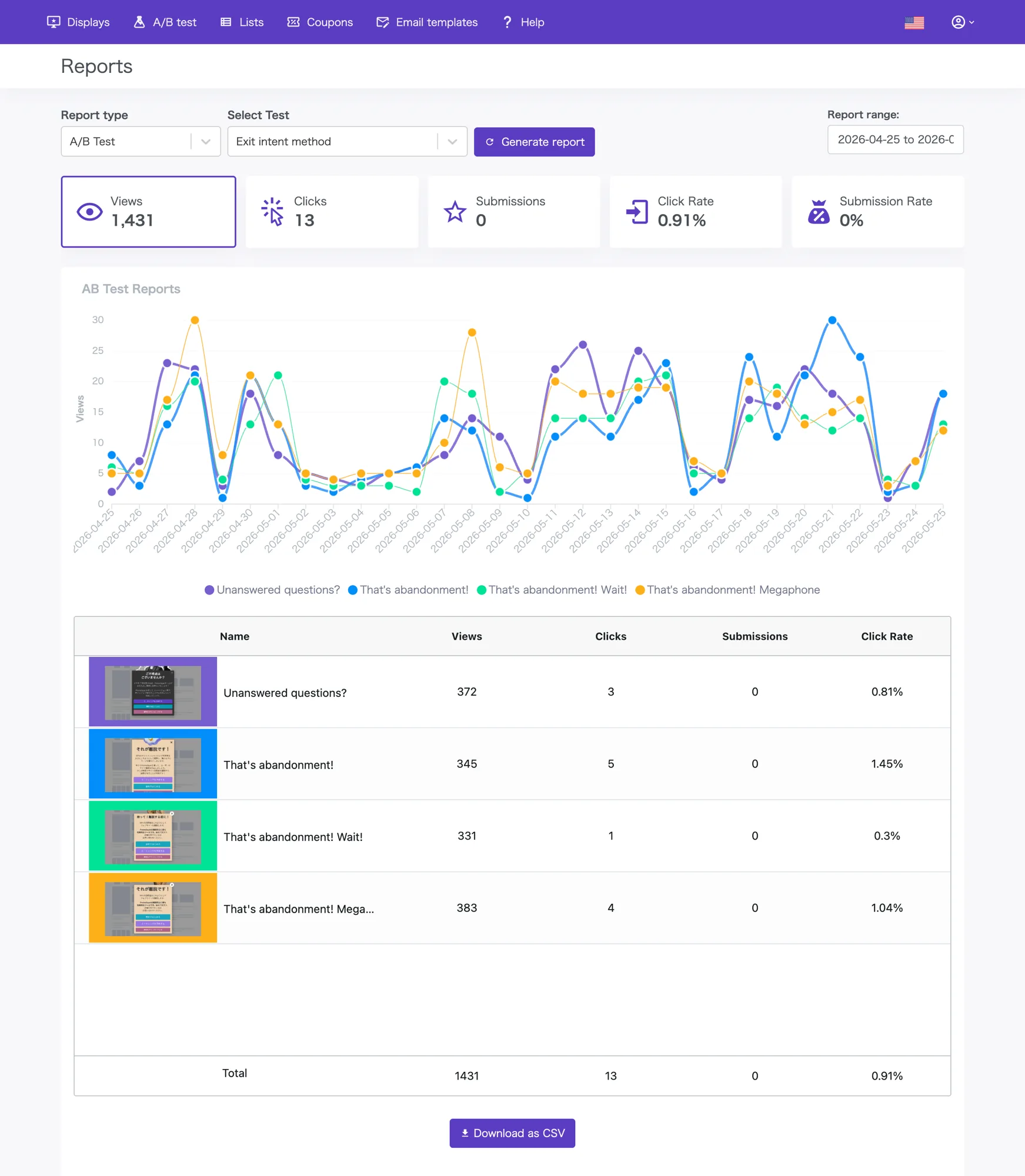
You no longer need to rely on intuition alone.
Simple A/B tests run multiple variants in parallel, including a no-popup control group — so you can see the true lift at a glance.
Even after closing, visitors can reopen the popup on their own terms
Once people are familiar with your popups, they close them reflexively without reading.
A teaser leaves a small tab at the edge of the screen so the visitor can reopen the popup whenever they want.
Capture the moments of "I want to see that offer again" or "Let me spin the coupon wheel one more time," and minimize lost opportunities.
More Features
Enterprise-grade features, available to everyone.
Fine-tune frequency for each campaign — "don't show again for N days after close," "never show to visitors who already converted," or set a maximum impression count over a window. Reach the right visitor at the right time without wearing out your audience.
Schedule start and end times for any popup, with weekday and time-of-day rules. Sales windows and limited campaigns flip on and off automatically, so nothing stays live longer than it should.
Use Promolayer not only as a popup but also as an inline block placed anywhere in your HTML. Great for in-article CTAs or coupon offers embedded on product pages.
Available on the Plus plan
When no-code editing isn't enough, tune the last details with your own CSS. The built-in code editor lets you match the popup precisely to your site's look and feel.
Available on Pro and above
Open or close popups from your own site events — cart thresholds, login state, or signals from any external tool — using the JavaScript API. Integrate Promolayer with existing systems however you like.
Invite teammates into a workspace with Owner or Member roles for shared editing. Suited to agency-to-client workflows and internal create-then-approve flows.
Available on the Plus plan
Download captured email addresses and other lead data as CSV in a single click. Easy to import into your existing marketing automation or CRM.
Target by URL regex, presence of specific DOM elements, CSS classes, attributes, JavaScript globals, or cookies — combine complex conditions to show the right popup in the right context.
Available on Pro and above
Display formats, triggers, integrations, analytics, and more — see every feature across plans on the pricing page.
Have another question? Reach us via the Help center.
Promolayer is a tool for designing and running on-site campaigns — popups, floating bars, spin-to-win, and more — without writing code. It covers what you need for conversion rate optimization (CRO): abandonment prevention, email list building, coupon delivery, and seasonal campaigns.
Built by a team that has worked on CRO for over a decade, Promolayer gives you the features that matter without dragging in unnecessary complexity. Detailed targeting, A/B testing, Google Analytics integration, gamification, and mobile-first design — all in one platform.
No coding skills are required. Pick a template, edit with point-and-click, set the targeting, and publish.
Most users get the hang of the builder in minutes. Marketing teams can create scenarios and iterate on them without waiting on engineering.
Promolayer is built with performance as a priority. The delivery script is lighter than a single image and uses minimal requests.
It also loads lazily — Promolayer only starts after your site has finished rendering. That keeps Core Web Vitals and SEO metrics intact, so you can run engagement campaigns without sacrificing speed.
Yes — Promolayer has a free forever plan with no credit card required. Try the core features first, and upgrade later only if you need more.
On paid plans there is no minimum commitment or cancellation fee. Upgrade, downgrade, or cancel anytime from the dashboard.
Promolayer works with Shopify, Wix, WordPress, and other major site builders and CMS platforms. Shopify and Wix install in one click from the app store; for other sites you paste the embed tag generated in the dashboard.
Google Tag Manager is also supported, so you can install without engineering help. On a custom site without a CMS, adding the tag code to your template is all it takes.
The direct sign-up version has no limit on the number of domains you can use. Agencies and production studios running multiple client sites are welcome. To keep client data separated, you can use Workspaces to split popups, reports, and tags per site.
The Shopify and Wix app versions are limited to one domain per install due to each platform's specifications. For multi-domain workflows, use the direct version.
Promolayer is designed with privacy regulations in mind. Consent checkboxes, privacy policy links, and other compliance features for contact collection are built in.
All traffic between the dashboard and delivery servers is encrypted over HTTPS, and collected contact data is stored on access-controlled servers.
The help center has guides for setup, troubleshooting, and integrations. You can also reach the Promolayer team directly via live chat from the dashboard.
Paid plans have no minimum contract length or cancellation fee. Start on the free plan, validate the impact, and upgrade when it makes sense. Plan changes are prorated automatically, so trying things out is low-friction.
Run popups, capture emails, and lift conversions — without writing code or hiring an agency.